

Key Takeaways
How Internet Actually Gets to Your Home
Before you can evaluate a plan or troubleshoot a slow connection, it helps to understand what physically delivers internet service to your address. The medium - fiber-optic cable, coaxial cable, copper phone wire, fixed wireless antenna, or satellite - determines your theoretical speed ceiling, your latency, and how reliable your connection will be under load.
Fiber-optic lines carry data as pulses of light, making them the fastest and most symmetrical option available to residential customers. Cable internet runs over the same coaxial lines used for television and offers fast download speeds, though uploads are typically slower. DSL (Digital Subscriber Line) uses existing phone wiring and is widely available but generally limited in speed compared to cable or fiber. Fixed wireless beams a signal from a nearby tower to a receiver on your property - practical in rural areas where cable or fiber hasn't reached. Satellite internet, including newer low-earth-orbit systems, reaches the most remote locations but introduces higher latency due to the distance signals must travel.
For a deeper look at how each technology works and what real-world performance to expect, see our Home Internet Explained guide.
Reading a Plan: Speed, Data, and the Fine Print
ISP marketing materials are built around a handful of numbers that require careful interpretation. Knowing what they mean - and what they don't - prevents costly mismatches between the plan you choose and the experience you actually get.
Download vs. Upload Speed
Speeds are measured in megabits per second (Mbps) or gigabits per second (Gbps). Download speed covers incoming data - streaming, browsing, downloads. Upload speed covers outgoing data - video calls, cloud backups, sending large files. Most plans are asymmetric, offering much faster downloads than uploads. If your household includes remote workers or content creators, upload speed deserves equal attention.
Data Caps
A data cap limits how many gigabytes you can transfer in a billing cycle. Exceeding it may trigger overage charges or speed throttling. Households that stream video in 4K, game online, or work from home can consume several hundred gigabytes per month. Always check cap terms before signing.
Contract and Promotional Pricing
Introductory rates frequently expire after 12-24 months, at which point the price resets to a standard rate that can be noticeably higher. Check the contract length and the post-promotion price before committing. Our article on common internet myths covers several misconceptions that trip up shoppers at this stage.
Before signing any ISP contract, ask specifically for the price you'll pay after any promotional period ends - not just the introductory rate. Get that figure in writing.
Promotional pricing routinely expires after 12-24 months, and the jump to standard rates can be substantial. Knowing the full-term cost upfront prevents bill shock and enables fair comparison.
Run a speed test at different times of day - morning, evening peak, and late night - before concluding your plan is underperforming. Evening slowdowns often reflect network congestion rather than a technical fault.
Cable internet infrastructure is shared among neighbors; congestion during peak hours is a known, documented phenomenon that varies by provider and neighborhood density.
What Drives Your Monthly Bill
The line-item breakdown of a typical internet bill often surprises new customers. Several charges beyond the base plan rate are common.
- Equipment rental fees: Renting a modem and router from your ISP can add $10-$20 per month. Purchasing compatible equipment outright usually pays for itself within a year.
- Installation and activation fees: One-time charges for a technician visit or account setup. Some ISPs waive these during promotions; others bundle them into the first bill without clear notice.
- Taxes and regulatory fees: Federal, state, and local fees are typically itemized separately and can add several dollars to every bill.
- Overage charges: If your plan has a data cap, exceeding it may trigger per-gigabyte charges or a mandatory upgrade.
- Price increases: ISPs regularly adjust rates. Check your contract for clauses that permit mid-term price changes.
Understanding the full cost picture - not just the headline rate - is essential for accurate comparison across providers. For jargon you encounter in plan descriptions, our broadband glossary is a practical reference.
Getting the Most from Your Home Network
A fast internet plan paired with poorly positioned or outdated equipment often delivers a frustrating in-home experience. Your router is the device that converts your ISP's signal into the Wi-Fi your devices use, and its capabilities matter considerably.
Router Placement
Wi-Fi signal weakens with distance and degrades when passing through walls, floors, and large appliances. Placing your router in a central, elevated, open location - rather than tucked in a cabinet or corner - distributes signal more evenly. Thick concrete or brick walls may require a mesh network system or a wired access point in a distant room.
Wired Connections When It Matters
For devices that demand consistent performance - desktop computers, gaming consoles, smart TVs - a direct ethernet connection eliminates Wi-Fi variability entirely. Latency and packet loss, two factors that affect video calls and online gaming more than raw speed, are significantly more stable over a wired link.
If you're exploring how internet connectivity interacts with smart home devices, our Smart Home Tech hub covers routers, connected gadgets, and home automation considerations in detail.
Troubleshooting Common Internet Problems
Most everyday connectivity issues fall into a small number of categories, and most can be diagnosed without contacting your ISP.
Slow Speeds
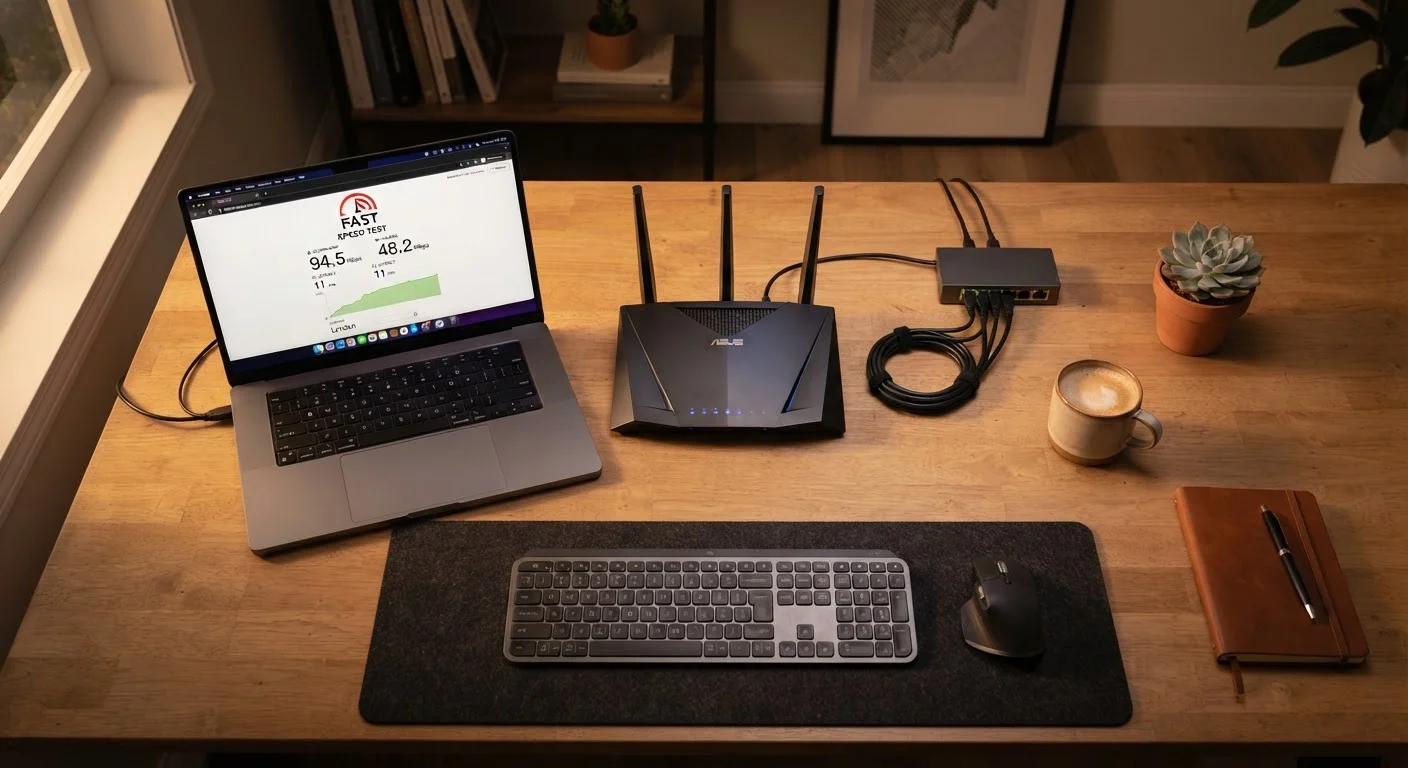
Run a speed test from a device connected via ethernet directly to your modem or router. If results match your plan's advertised speed, the problem is likely your Wi-Fi setup or a specific device. If wired speeds are also low, the issue may be network congestion at your ISP, a modem that needs replacement, or a service problem on the line.
Intermittent Drops
Frequent disconnections often point to a loose or damaged coaxial or ethernet cable, an overheating modem or router, or signal interference on your ISP's infrastructure. Check physical connections first, ensure equipment has adequate ventilation, and note whether drops occur at predictable times - evening congestion is a common culprit in cable networks.
Wi-Fi Dead Zones
Areas with no or weak signal typically need either a Wi-Fi extender, a powerline adapter, or a mesh network node. Extenders are inexpensive but can halve available bandwidth if they use the same radio band to communicate with the router; mesh systems handle this more efficiently.
Avoid Rebooting Repeatedly During Outages
Frequent power-cycling of your modem and router during an ISP outage can sometimes extend the time it takes for your equipment to re-authenticate with the network once service is restored. Reboot once, wait several minutes for the connection to establish, and check your ISP's outage status page before assuming a hardware fault.
Making a Confident Decision
Choosing a home internet plan is a practical exercise in matching your household's real usage to what's available at your address. Start by auditing your actual needs: how many devices connect simultaneously, what activities they support, and how sensitive your household is to outages or slow speeds.
Then compare whatever providers serve your address on the full cost - base rate, equipment fees, contract terms, and the post-promotional price. Availability varies significantly by location; an option available to a neighbor on fiber may not extend to your address, or vice versa.
Finally, consider reliability alongside speed. A slightly slower connection that maintains consistent uptime often serves a household better than a high-speed plan with frequent disruptions. Customer service reputation and the ease of resolving outages are worth researching before signing a contract.
If you're weighing home internet against supplementing or replacing it with a mobile data plan, our Phones and Plans guide explains how cellular networks and data plans work - useful context for understanding when mobile connectivity is a reasonable backup or alternative.