

Key Takeaways
Data Cap
A data cap is a limit set by an internet service provider (ISP) on how much data a household can send or receive over their connection in a given billing period - typically one month. Once that limit is reached, the ISP may slow your connection, charge overage fees, or both. Data caps are measured in gigabytes (GB) or terabytes (TB).
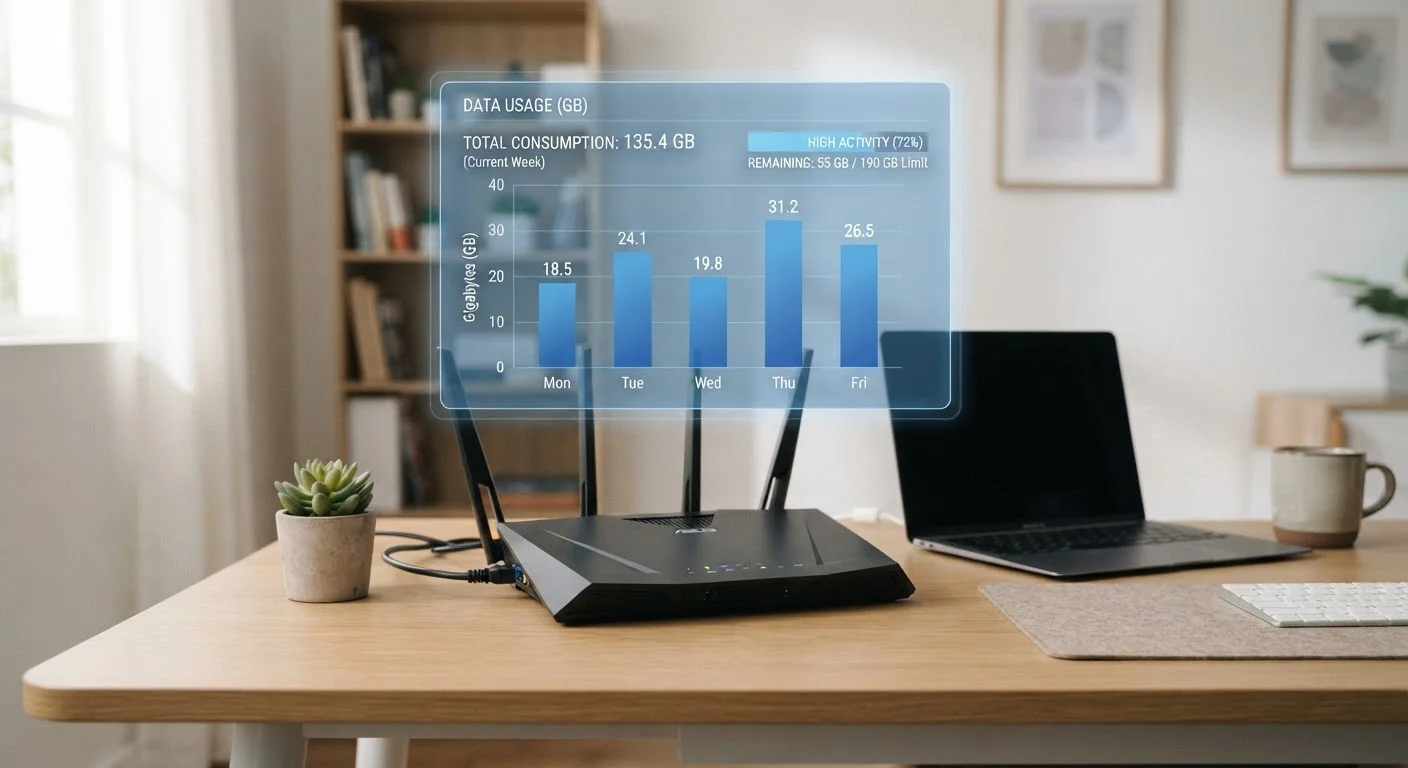
ISPs measure data caps at the network level, counting the total bytes transferred through your modem - upstream (uploads) and downstream (downloads) combined - regardless of which device or application generated the traffic.
How ISPs Measure Your Data Usage
When data travels between the internet and your home, it passes through your modem - the device your ISP controls and uses as the official measurement point. Every file you download, every video that streams, every email you send registers as bytes moving through that connection. Your ISP's billing system tallies those bytes continuously throughout the month.
A key point many people miss: both uploads and downloads count. Uploading photos to cloud storage, joining a video call, or sending large email attachments all contribute to your monthly total alongside all the content you receive. For most households, downloads make up the larger share, but uploads are rarely zero.
Your ISP's usage figures are the authoritative ones for billing purposes. Third-party apps and router dashboards can give useful estimates, but if there is ever a discrepancy, the ISP's meter governs what appears on your bill. Understanding this helps you know where to look when monitoring usage. See our overview of home internet connection types for context on how different technologies deliver data to your home.
What Counts - and What Might Not
Almost everything your household does online counts toward a data cap: streaming movies and TV shows, video calls, gaming, browsing, downloading software and app updates, and backing up files to cloud services. High-definition and 4K video are particularly data-intensive - a single hour of 4K streaming can consume 7 GB or more, depending on the platform's settings.
What might not count is more nuanced. Some ISPs practice zero-rating - exempting specific services, often their own affiliated streaming platforms, from data cap calculations. If an ISP owns a video service and that service does not count against your cap while a competing service does, that creates an uneven playing field. Consumer and net neutrality advocates have long flagged this practice as a competitive concern.
Certain ISPs also exclude traffic to internal network services, such as their own TV or phone-over-internet offerings. The only reliable way to know what your provider counts is to read the data policy section of your service agreement or contact customer support directly.
7+ GB
Data used per hour of 4K streaming
Estimates from multiple streaming platform support pages indicate a single hour of 4K Ultra HD content can consume 7 GB or more, depending on encoding settings.
1 TB
Common monthly cable internet data cap
Many major U.S. cable internet providers have set monthly data thresholds around 1-1.2 terabytes, though caps and policies differ by provider and region.
~15 GB
Average data per hour of video calling
High-definition video conferencing can use roughly 1.5-3 GB per hour per participant; households with multiple remote workers can accumulate significant usage quickly.
It is also worth knowing that cached content - data your device stores temporarily to avoid re-downloading it - can reduce repeated data consumption but does not change how traffic is measured at the modem level.
Why Data Caps Exist and How They Vary
ISPs typically frame data caps as a network management tool - a way to ensure that very high-usage customers do not degrade the experience for others sharing the same infrastructure. Critics, however, point out that caps are also a revenue mechanism: overage fees and tiered plans generate additional income beyond the base subscription.
The presence and size of caps vary significantly by connection type and provider. Cable internet plans frequently carry caps - often in the 1-1.2 TB range per month, though this varies. DSL plans may have lower caps. Fiber internet providers have been more likely to offer service without any data cap, though this is not universal. Satellite internet plans, particularly those serving rural areas, have historically had stricter and lower caps due to the limited bandwidth of satellite systems.
Geographic competition plays a role too. In markets where multiple providers compete, caps tend to be more generous or absent. In areas served by only one ISP, caps may be stricter and harder for consumers to avoid. Our article on common home internet myths addresses some widely held misconceptions about how plans actually work.
Practical Steps Before and After Signing Up
Before committing to any internet plan, it is worth spending a few minutes reviewing how a data cap - or the absence of one - fits your household's actual usage patterns. Most ISPs provide an online usage tracker once you are a customer, but you can also request average usage data from your current provider to use as a baseline.
Ask these questions before signing: Does this plan have a monthly data cap? What happens when I reach it - throttling, overage fees, or both? Are any services zero-rated, and if so, which ones? Can I upgrade my cap or switch to an unlimited tier if my usage grows?
Once you are a customer, check your usage dashboard regularly, especially if your household's habits change - a new remote worker, a gaming console, or a smart home device can meaningfully shift your monthly total. Setting up usage alerts through your ISP's app, if available, can help you avoid surprises.
For a full pre-signup review, the household readiness checklist covers data caps alongside other contract terms worth evaluating. And if you have heard that "unlimited" plans are always truly unlimited, our piece on what people get wrong about unlimited data is worth a read before you assume you are covered.