

Key Takeaways
Start here
What 'Smart Home' Actually Means
Foundation first
Start With Your Network
Build it out
Room-by-Room: Where to Add Smart Devices
Avoid common mistakes
What to Skip When You're Just Starting Out
Stay in control
Keeping It Manageable Over Time
What 'Smart Home' Actually Means
A smart home is simply a residence where everyday devices - lights, locks, thermostats, cameras - can be controlled remotely or automatically through a network connection. That control usually happens through a smartphone app, a voice assistant, or automated schedules and triggers you set up yourself.
The term covers a wide range of setups, from a single smart bulb in a bedroom to a fully automated system where your lights, locks, and climate all respond to your presence. For a beginner, the former is a perfectly reasonable place to start. If you encounter unfamiliar terms along the way, the Smart Home Glossary provides plain-language definitions for common smart home terminology.
Ecosystem
A platform - such as Amazon Alexa, Google Home, or Apple HomeKit - that ties smart devices together so they can communicate and be controlled in one place.
Smart plug
An adapter that sits between a standard outlet and any device plugged into it, giving you remote on/off control and scheduling without any wiring.
Mesh network
A Wi-Fi system that uses multiple access points spread around a home to eliminate dead zones and maintain consistent signal in every room.
Automation routine
A programmed trigger-and-action sequence - for example, turning on a porch light automatically at sunset - that runs without manual input.
Firmware
The built-in software that runs on a smart device. Manufacturers release firmware updates to fix bugs, patch security issues, and add features.
Voice assistant
A software program - such as Alexa, Google Assistant, or Siri - that lets you control smart devices and get information using spoken commands.
Start With Your Network
Before buying a single smart device, evaluate your home's Wi-Fi coverage. Smart devices communicate constantly with your router, and dead zones or a weak signal are the leading cause of devices going offline, responding slowly, or behaving unpredictably.
A basic single-router setup works fine in smaller apartments. Larger homes often benefit from a mesh network - a system using multiple access points distributed through the home to provide consistent coverage in every room. For a detailed walkthrough on organizing your network before adding devices, see Setting Up a Smart Home Network Without Losing Your Mind.
Once your network is solid, choose an ecosystem - a platform that ties your devices together. Align your choice with the voice assistant or phone platform you already use daily. Switching ecosystems later is doable but tedious.
Room-by-Room: Where to Add Smart Devices
A room-by-room approach keeps things organized and lets you evaluate what's genuinely useful before expanding. Here's a practical starting map:
Living Room
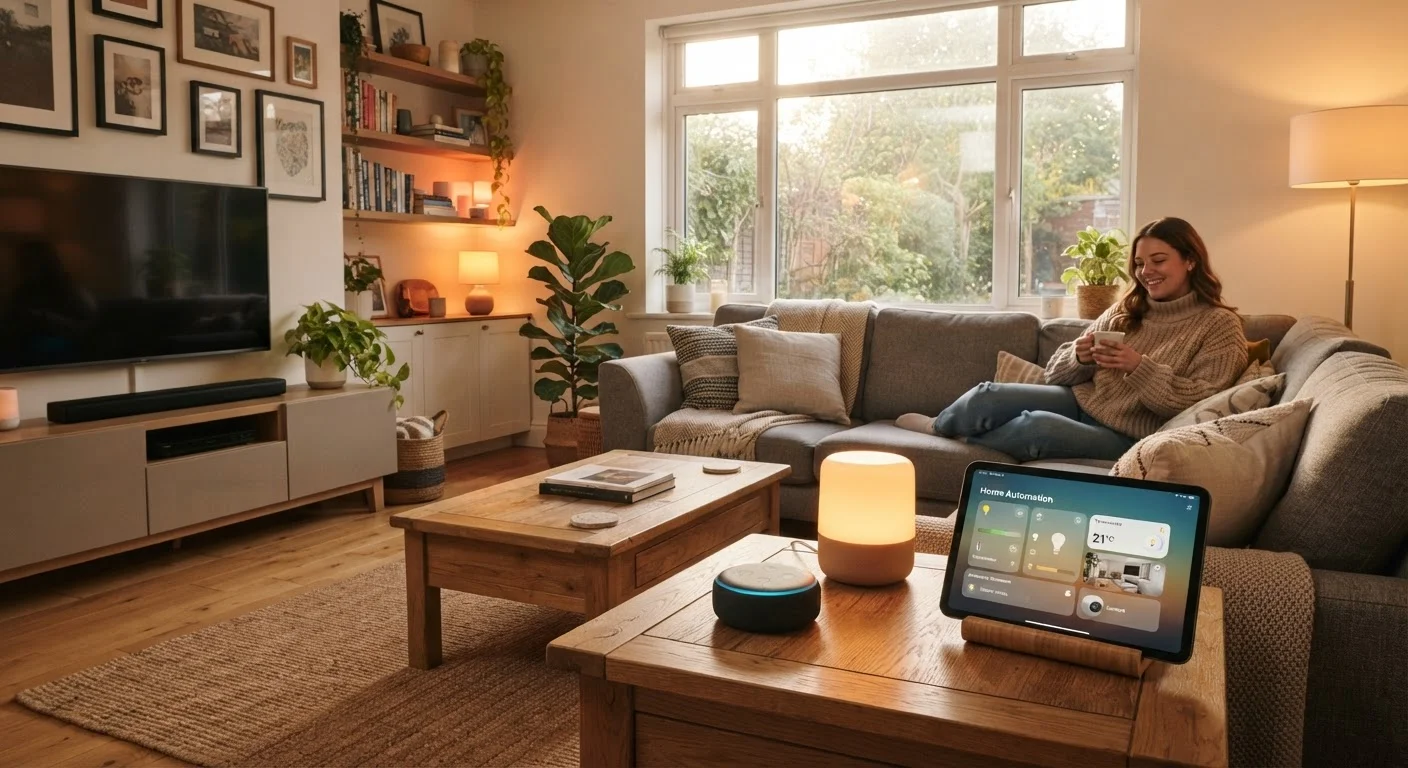
Smart plugs are the natural first step here. Plug one into a lamp and you can schedule it, turn it off remotely, or automate it to turn on at sunset. Smart speakers or displays also fit naturally in living spaces, acting as voice control hubs for everything else.
Bedroom
Smart lighting in the bedroom pays off quickly. Bulbs that dim automatically or shift to warmer tones in the evening can support better sleep routines without any complicated setup. Many connect directly to Wi-Fi with no hub required. For a deeper look at lighting options across your home, Whole-Home vs. Single-Room Smart Lighting compares the trade-offs.
Entryway
A smart video doorbell or a smart lock is a high-utility addition here. A doorbell lets you see and speak to visitors remotely. A smart lock lets you grant access without physical keys. Both are meaningful safety and convenience upgrades.
Kitchen
Smart plugs work well for appliances you want to schedule or monitor. Some people add a small smart display for recipes or timers. Beyond that, most kitchen-specific smart devices add novelty rather than real utility at the beginner stage.
Utility / Hallways
A smart thermostat is often one of the highest-impact additions in an entire home - it learns or follows schedules to reduce energy use without requiring manual adjustments throughout the day. Installation typically involves a simple wiring swap, but confirm compatibility with your existing heating and cooling system first.
What to Skip When You're Just Starting Out
Not every smart device earns its place. Some categories are better suited to established smart home users than beginners.
A Simple Rule for Prioritizing Devices
Before adding any new smart device, ask yourself: would this make something I do every day noticeably easier or more reliable? Devices that pass that test tend to earn their spot. Devices added out of curiosity alone often go unused within a few months.
- Smart refrigerators and appliances: Expensive, rarely used for their smart features, and difficult to replace on a normal upgrade cycle.
- Complex multi-protocol hubs: Systems requiring you to manage Zigbee, Z-Wave, and Wi-Fi simultaneously add meaningful technical overhead before you have a feel for what you actually need.
- Whole-home audio: A rewarding but involved project. Start with a single smart speaker to understand what you want before committing to a distributed system.
- Automated blinds and shades: Can be genuinely useful but involve installation complexity and cost that outweighs the benefit for most beginners.
The guiding question is: does this device solve a real problem I have, or does it just seem interesting? Prioritize the former.
Keeping It Manageable Over Time
Smart homes tend to grow organically - one device leads to another. A few habits keep the system from becoming a maintenance burden:
- Update firmware regularly. Device manufacturers release security and performance patches. Keeping devices updated is the single most important security practice.
- Audit your devices annually. Remove or replace devices you no longer use. Dormant devices still sit on your network and can become security liabilities.
- Document your setup. A simple note - which devices are on which network, what automations are active - saves significant time when troubleshooting.
- Expand one room at a time. Adding too many devices at once makes it difficult to isolate problems when something goes wrong.
If your home ownership journey is newer and you're still getting familiar with how your home's systems work together, Home Maintenance From the Ground Up is a useful companion read on what systems need regular attention.
A smart home should simplify daily life - not complicate it. Starting deliberately, one room and one device at a time, is the approach most likely to get you there.