

Key Takeaways
Smart Home Data Collection
Smart home data collection refers to the information that connected devices - like smart speakers, thermostats, cameras, and doorbells - gather about your behavior, routines, and home environment. This data is typically sent to manufacturers' servers to power device features, improve services, and sometimes support targeted advertising. Most collection happens automatically, in the background, without requiring any action from you.
Data is usually transmitted over your home Wi-Fi network using encrypted connections, but the content and retention policies vary significantly by manufacturer and device type.
The Data Behind the Convenience
Smart home devices are designed to learn from you. That's what makes them useful - a thermostat that adjusts to your schedule, a speaker that recognizes your voice, a camera that only alerts you when something unusual happens. But that intelligence comes from continuous data collection, and most people have little visibility into what's actually being gathered.
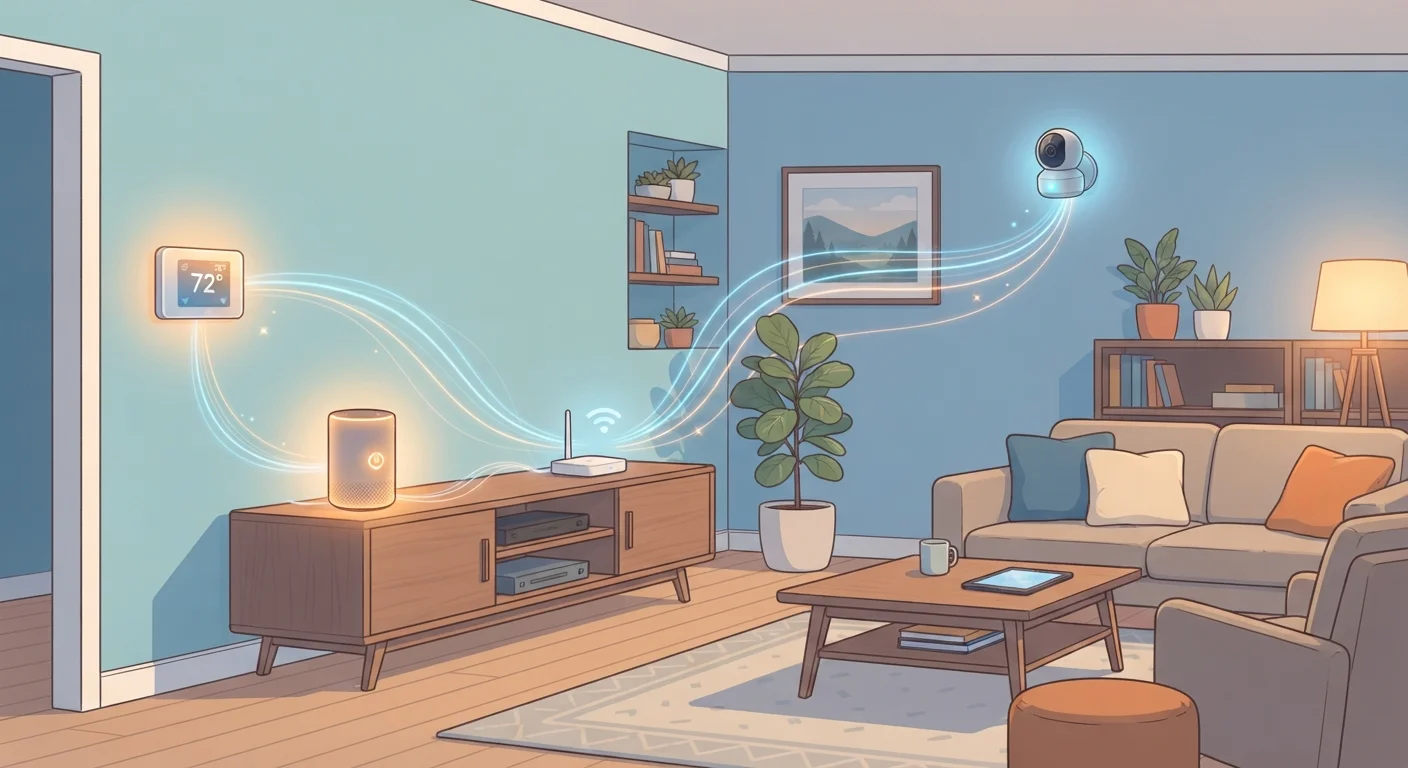
To understand how your devices communicate and share that data, it helps to first understand how smart home devices talk to each other. Nearly all of them rely on a cloud connection, meaning data leaves your home regularly - even when you're not actively using a device.
Common types of data collected across device categories include:
- Voice assistants and smart speakers: Audio clips triggered by wake words, command history, and inferred preferences
- Smart thermostats: Temperature adjustments, occupancy patterns, daily schedules, and HVAC usage
- Security cameras and doorbells: Continuous or motion-triggered video and audio, facial recognition data (on some platforms), and visitor logs
- Smart plugs and lighting: On/off patterns that reveal when rooms are occupied and your daily routine
- Smart TVs: Viewing history, app usage, and in some cases, automatic content recognition (ACR) - technology that identifies what's on screen
68%
U.S. adults with at least one smart home device
According to Statista research on smart home adoption in the United States, a large majority of households have at least one connected device.
1,000+
Data points a smart TV can collect annually
Research from Princeton University's IoT Inspector project found that smart TVs generate extensive data logs including viewing habits, app usage, and device identifiers.
~35%
Smart speaker owners who reviewed stored recordings
Survey data from Pew Research Center found that relatively few smart speaker owners had checked or deleted their stored voice history.
Where Your Data Goes and Why
When a smart device collects data, it typically sends it to the manufacturer's cloud servers. There, the data may be used for several purposes: improving voice recognition accuracy, personalizing recommendations, diagnosing device problems remotely, or informing advertising profiles - depending on the company's business model.
Manufacturers are generally required to disclose these practices in their privacy policies, but those documents are long, technical, and rarely read. Key questions worth finding answers to include: How long is data retained? Is it shared with third-party partners? Can you request deletion? Does the company sell data?
It's also worth noting that data aggregation can make individually harmless information more revealing. Knowing that lights turn on at 6:45 a.m., the thermostat adjusts at 7:00 a.m., and the doorbell camera shows no activity after 8:00 a.m. effectively maps your daily departure schedule - useful for advertisers, and potentially useful to bad actors if that data were exposed in a breach.
For broader context on misconceptions around how these systems work, the common smart home myths article is worth reading alongside this one.
Practical Steps to Limit What You Share
You don't have to choose between smart home convenience and reasonable privacy. Most platforms offer meaningful controls - they just aren't enabled by default. Here's where to focus your attention:
- Review app permissions: Check what your smart home apps can access on your phone - microphone, location, contacts, camera. Revoke anything unnecessary through your phone's settings.
- Audit your privacy settings: Most major platforms (voice assistants, camera systems, thermostats) have privacy dashboards. Look for options to limit data sharing, opt out of analytics, or disable features like personalized ads.
- Delete stored data regularly: Voice assistant platforms typically allow you to delete your command history. Set a recurring reminder to do this, or enable automatic deletion where available.
- Check your router's guest network: Keeping smart devices on a separate network from your primary computers and phones limits the potential damage if a device is compromised. For terminology help, see the smart home glossary.
- Read the privacy policy before buying: Not all manufacturers treat data the same way. Checking a company's data retention and sharing practices before purchasing is one of the most effective preventive steps.
Start With Your Voice Assistant Settings
Voice assistant platforms from major providers include privacy dashboards that let you review saved recordings, turn off personalized results, and enable automatic deletion of voice history. These are among the most impactful settings to configure first, since voice data is particularly sensitive. Check the app or the manufacturer's privacy portal to find these options.
Balancing Utility and Privacy
Some level of data collection is genuinely necessary for smart devices to function. A thermostat can't learn your schedule without observing it; a voice assistant can't process commands without sending audio for interpretation. The question isn't whether to allow any data collection - it's whether the collection that's happening is proportionate to the benefit you're receiving.
The smart home security checklist provides a structured way to work through your full setup and identify gaps. Privacy and security overlap significantly: a device that's well-secured is also less likely to expose the data it does collect.
As smart home technology continues to evolve - with more processing happening locally on-device rather than in the cloud - privacy protections are gradually improving. But until local processing becomes the norm, understanding what your devices are collecting remains your most reliable line of defense.
Local Processing Is Growing, but Not Universal
Some newer smart home devices process certain functions - like wake-word detection or basic automation triggers - directly on the device rather than in the cloud. This reduces how much data is transmitted externally. However, most devices still rely on cloud connectivity for their primary features, so local processing shouldn't be assumed unless explicitly stated in the device's specifications.