

Key Takeaways
Why Digital Security Matters More When You Travel
Traveling pulls you out of your familiar routines - including the security habits you may follow at home. Away from your trusted home network, you're far more likely to connect to public Wi-Fi, use shared devices, or make quick decisions about account access that you'd normally think twice about. These behaviors create real openings for data theft, account compromise, and device loss.
Physical and digital security are closely linked on the road. A stolen phone isn't just an inconvenience - it's a gateway to your email, banking apps, and stored passwords. Our guide to keeping valuables safe while traveling covers the physical side; this article focuses on what happens to your data once a device is in someone else's hands - or when you connect to the wrong network.
The good news: most meaningful risks can be significantly reduced with a handful of deliberate steps taken before you leave home.
Before You Leave: The Security Prep That Actually Matters
The most effective digital security measures are set up at home, not improvised at the airport. Taking an hour before any trip to harden your devices protects you for the entire journey.
Install and activate a reputable VPN before you leave home
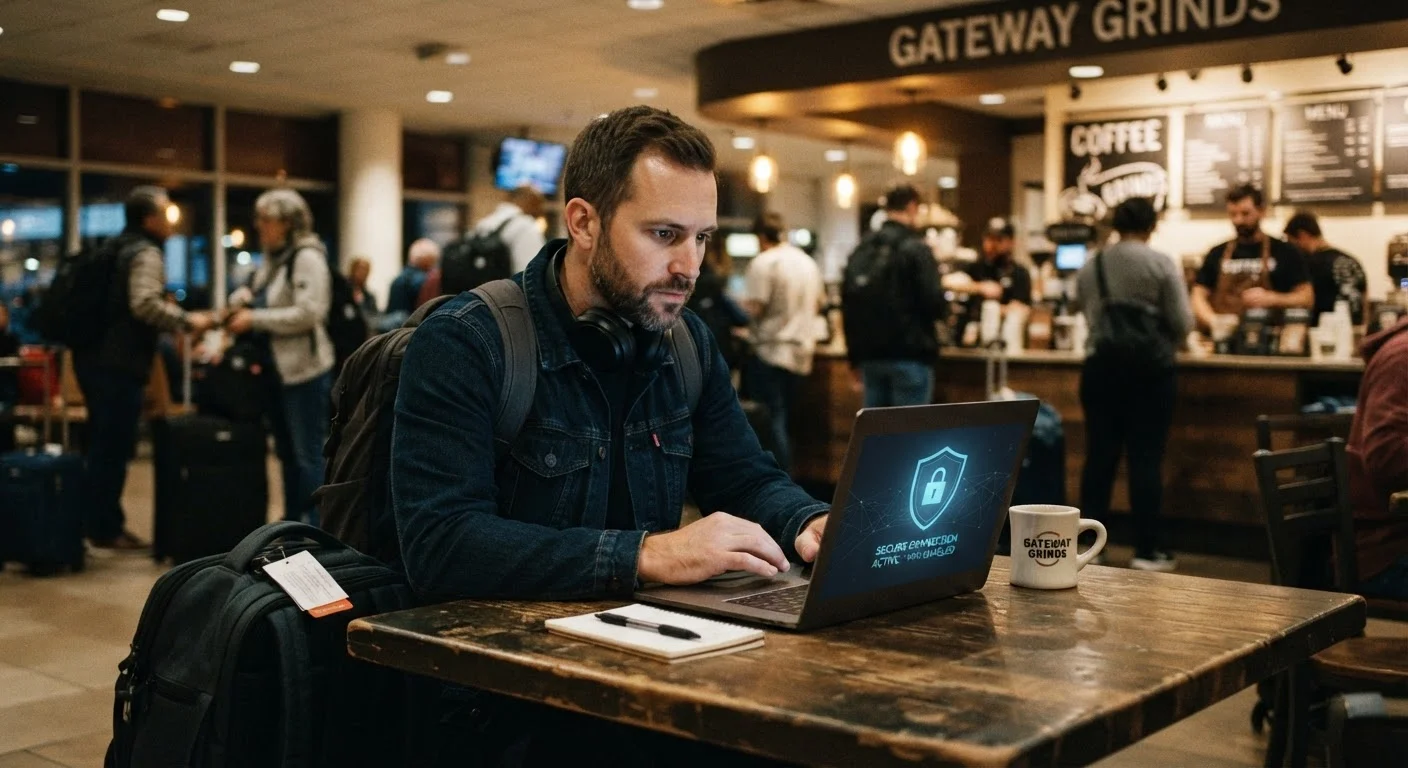
Public Wi-Fi at hotels, airports, and cafés is rarely secured, meaning anyone on the same network could potentially intercept unencrypted data. A VPN creates an encrypted tunnel for your traffic, blocking most eavesdropping. Setting it up before departure ensures you're not scrambling to configure it on an unfamiliar network.
Enable full-device encryption and a strong lock-screen PIN on every device you bring
If your phone or laptop is stolen, encryption makes the data on it unreadable without the correct credentials. A six-digit PIN - or better, a longer alphanumeric passphrase - is far more resistant to guessing than a four-digit code or pattern lock. Most modern smartphones offer encryption by default, but it should be verified before travel.
Turn off automatic Wi-Fi and Bluetooth connections on your devices
Devices set to auto-connect can silently join malicious networks that mimic familiar network names - a tactic known as an 'evil twin' attack. Disabling these automatic connections means you manually approve every network your device joins, giving you deliberate control.
Back up all devices to a secure location before departing
Theft, loss, or damage can happen at any point during a trip. If your device is lost without a recent backup, you may lose irreplaceable photos, documents, and contacts. A pre-trip backup to an encrypted cloud account or an external drive left at home ensures your data survives even if your hardware doesn't.
Avoid accessing sensitive accounts over public networks - even with a VPN
For transactions involving financial accounts or medical records, the safest option is to wait until you have access to a trusted private network or use your phone's cellular data instead of public Wi-Fi. While a VPN adds significant protection, cellular connections are generally considered more difficult to intercept than shared Wi-Fi.
Use unique, strong passwords and enable two-factor authentication on key accounts
If a device or credential is compromised during travel, two-factor authentication (2FA) means an attacker still cannot access your accounts without a second verification step. Reusing passwords across accounts multiplies the damage from any single breach - a password manager can generate and store unique credentials securely.
For a broader pre-departure safety checklist that includes digital security alongside documents and emergency contacts, see our trip readiness checklist.
Staying Secure While You're on the Move
Even well-prepared travelers face new decisions in the field - whether to connect to the hotel network, whether to use an airport charging kiosk, or how to handle a lost device. A few in-the-moment habits make a significant difference.
Limit What You Share Before You Travel
Posting your itinerary, departure dates, or hotel name on social media before or during a trip isn't just a physical safety risk - it can also signal to bad actors that your home devices may be unmonitored. Keep travel details to trusted contacts rather than public posts, and consider updating location-based sharing settings in your social apps before departure.
Avoid using public USB charging stations, sometimes called 'juice jacking' risks, where tampered hardware could potentially access your device data. Carry your own charging cable and plug into a standard electrical outlet instead. If your phone is lost or stolen, having remote-wipe enabled through your device's built-in tools - such as Find My on iOS or Find My Device on Android - allows you to erase it remotely before a thief can extract your information.
VPNs: What They Do and Don't Do
A virtual private network (VPN) encrypts the data traveling between your device and the internet, making it much harder for anyone on the same network to intercept your activity. However, a VPN does not make you completely anonymous online, and it cannot protect you from malware or phishing attacks. Choose a reputable provider and understand that VPNs vary in their logging policies and jurisdiction - research before you travel.
Solo travelers face additional exposure since there's no travel companion to watch devices at a café table. The strategies in our guide on solo travel safety address the broader vigilance habits that support this kind of situational awareness.
Building Digital Security Into Every Trip
Digital security while traveling isn't a one-time fix - it's a set of habits that become faster and less effortful each time you practice them. The travelers most at risk are those who assume their data is safe because nothing bad has happened yet. The travelers best protected are those who treat security prep as a normal part of packing.
If you're newer to travel safety overall, our foundational guide on travel safety from the ground up walks through the broader safety mindset that makes specific practices like these feel intuitive rather than burdensome.
Start with the steps you can do today, and work through the remaining ones before your next departure. Each layer of protection you add makes the overall picture meaningfully more secure.